How we test
Every tool on this site was tested under the same conditions with the same input. Here's how we did it and how we scored the results.
Create and Edit
Each tool was put through two distinct tests to evaluate both its ability to generate presentations from scratch and to improve existing ones.
Create test
Every tool received the same text prompt asking it to create a 6-slide professional proposal deck about a Sales AI Transformation. We exported the output as a PowerPoint file where available and screenshotted each slide from the exported PPT.
Edit test
We uploaded our standardized test deck to each tool and asked it to redesign or improve the slides. We exported the result as a PowerPoint file where available and screenshotted each slide from the exported PPT.
Not every tool supports both tests. For tools that don't export to PowerPoint (or Google Slides), we screenshotted their native output. Tools are clearly marked on their detail page.
One deck - same conditions for every tool
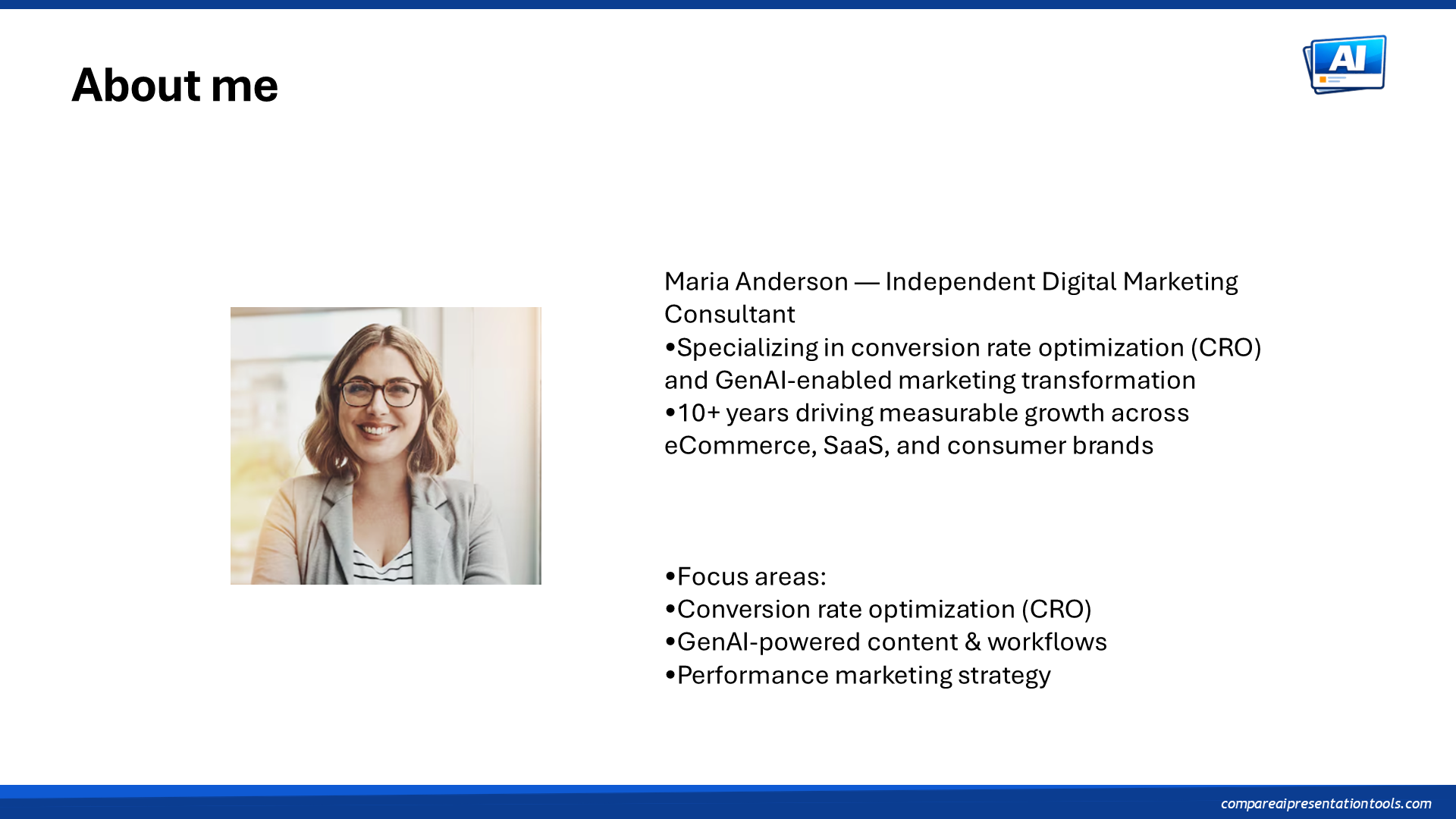
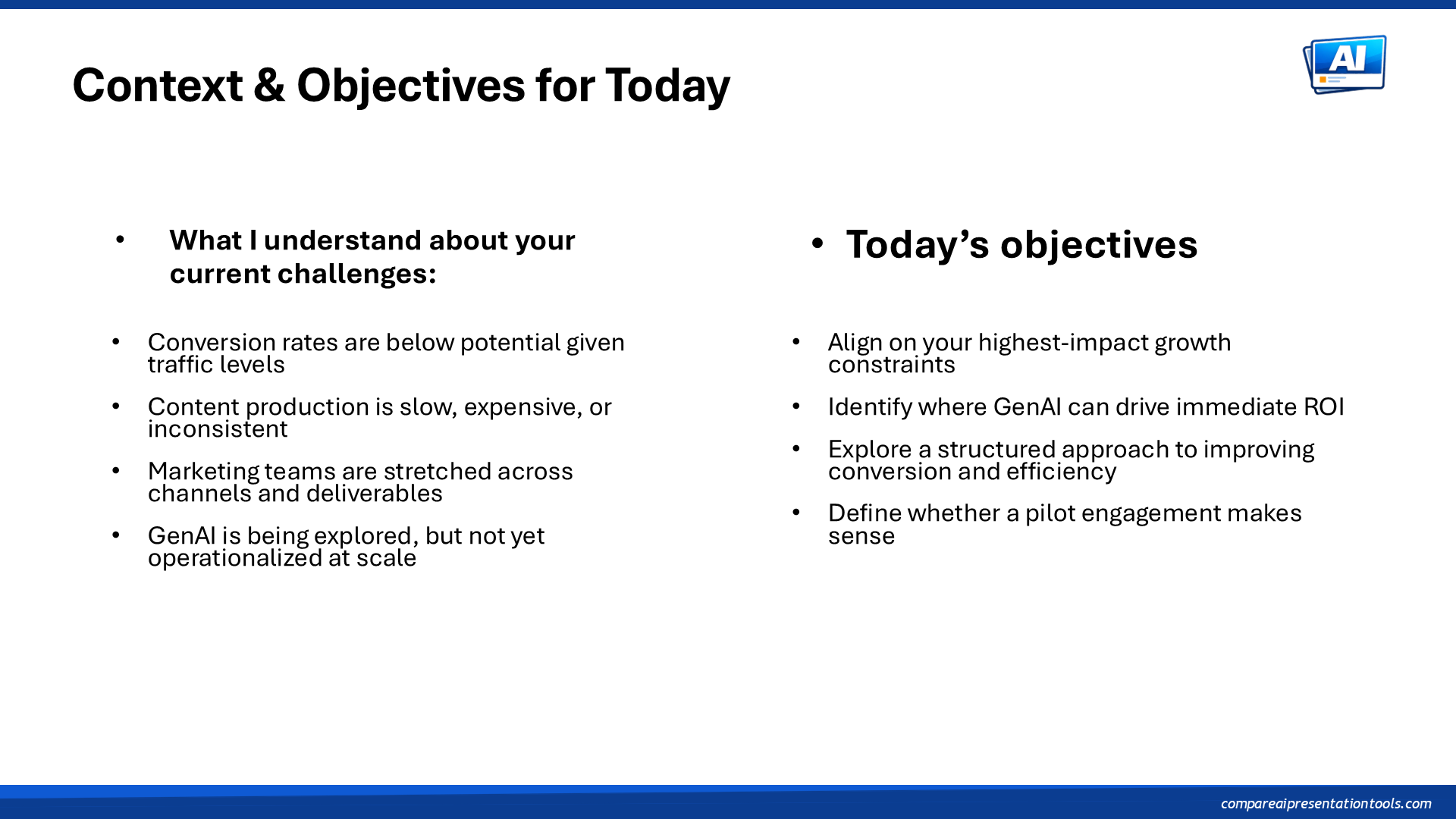
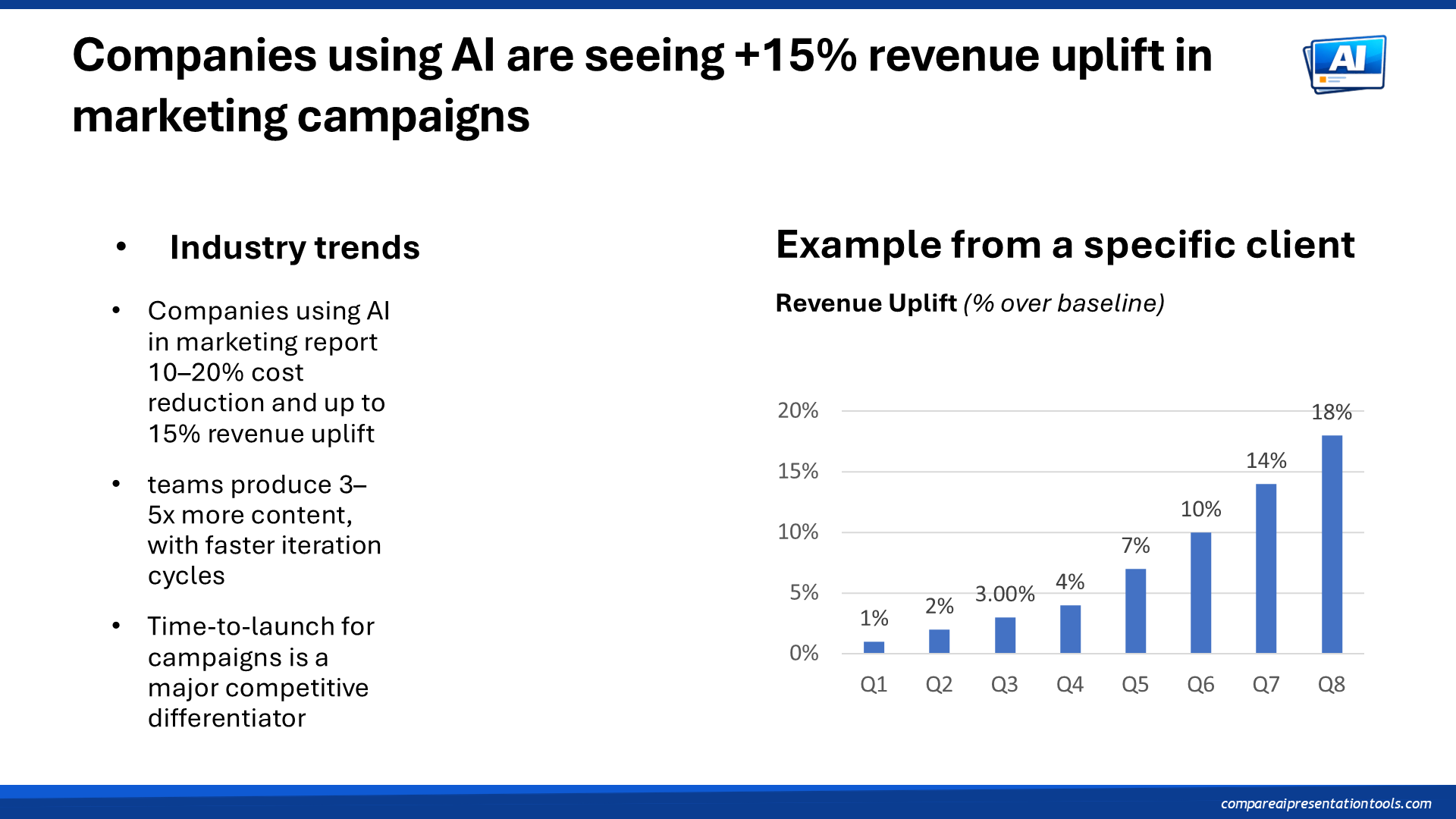
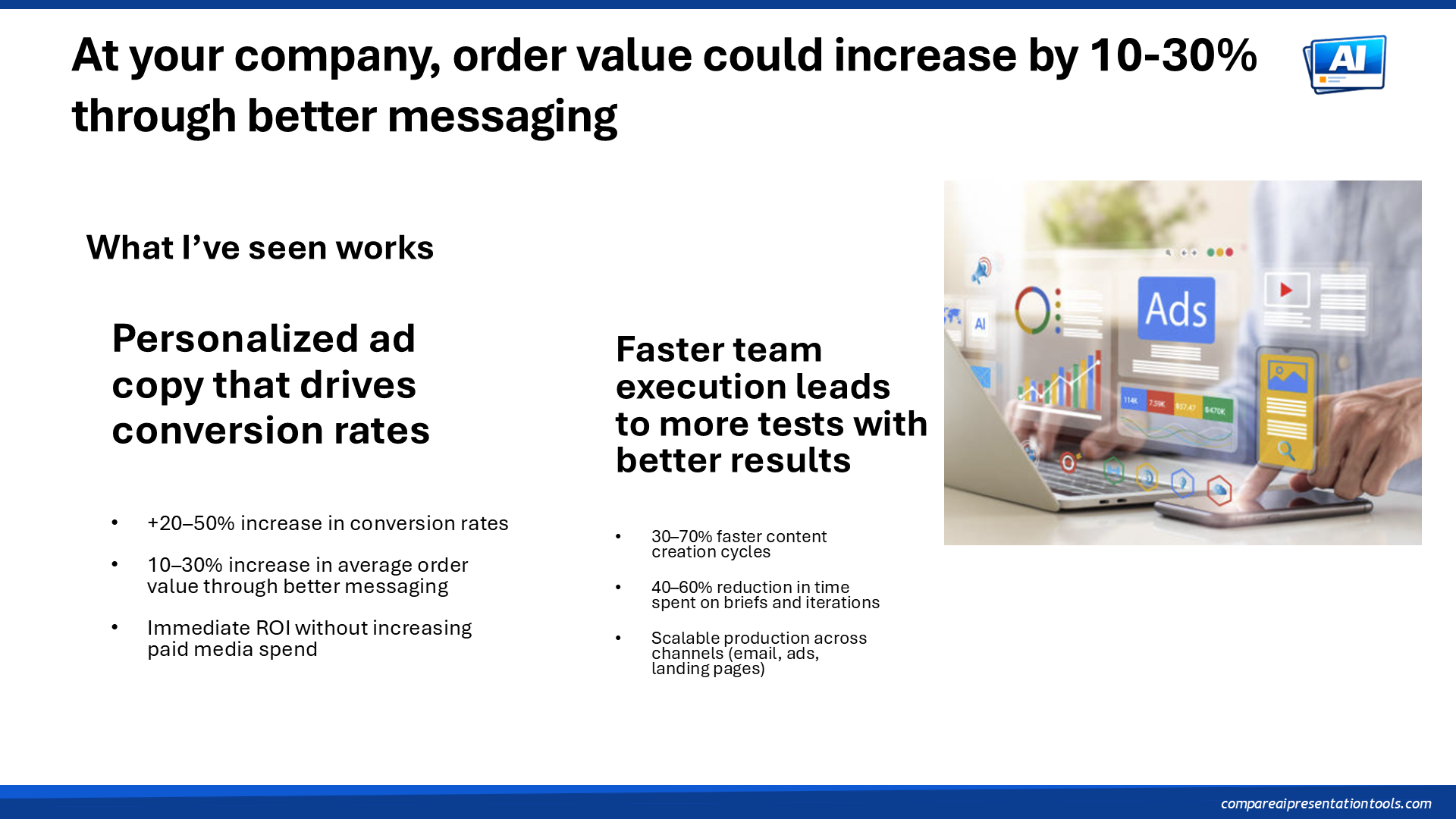
We created a single standardized presentation with six slides covering the most common slide types. This exact deck was used as input for the edit test on every tool.

Two composite scores, different dimensions
Each tool is scored on a 1–5 scale. Because creating from text and editing an existing presentation test different capabilities, each mode has its own set of subscores and its own composite. Visual design carries double weight in both composites.
Does the output look polished and professional? Are colors, spacing, and typography well-executed? This dimension carries double weight in the composite score.
Can you edit the output in PowerPoint or Google Slides? Or are slides exported as flat images?
Does the output follow the instructions in the prompt? Are the requested slides, structure, and content reflected in the result?
Is the generated content factually sound and relevant? Does it match the topic and data points described in the prompt?
Is the original content preserved? Are text, data points, and key messages carried over without loss or distortion?
Does the tool respect the input template's layout, fonts, and brand guidelines? Or does it override everything?
Can the tool accurately render charts, tables, and numerical data? Are values preserved correctly?
Other notes
By default, we score the PowerPoint export. For tools that only support Google Slides, we score their Google Slides export.
To make comparisons fair. Annual pricing varies widely and obscures the actual cost difference between tools. Every price shown is the monthly rate.
A tool is marked as free to try only if its free plan or trial lets you export at least one finished presentation. If the free tier lets you create slides but not export them, we don't count it.
No. We don't earn commissions from any tool listed on this site. Links go directly to each tool's website.
We re-test tools when they ship significant updates. If a tool's output improves, its scores are updated accordingly.
Yes. Use the "Submit a Tool" button in the navigation. We review submissions on a rolling basis.